This widget displays a list of course completions, course enrollments, goal progress, and other pertinent information regarding direct reports.
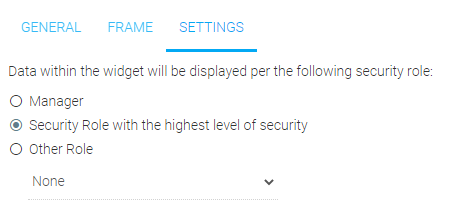
The default is for this widget to only display information pertaining to the Manager’s direct reports. However, it can also display information to users that have LMS administrative roles. If desired, select the “Security Role with the highest level of security” radio button. Selecting this option will allow users with other administrative roles in the LMS to view the activity of all of the users within their span of control. Remember if an administrator is also a manager they will see everyone within their administrative control, not just their direct reports. This list could get quite long for LMS Administrators with broad security.
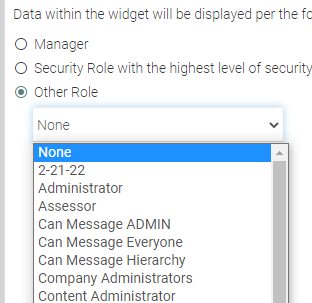
You can also select the "Other Role" radio button and choose a role from the drop-down menu.